
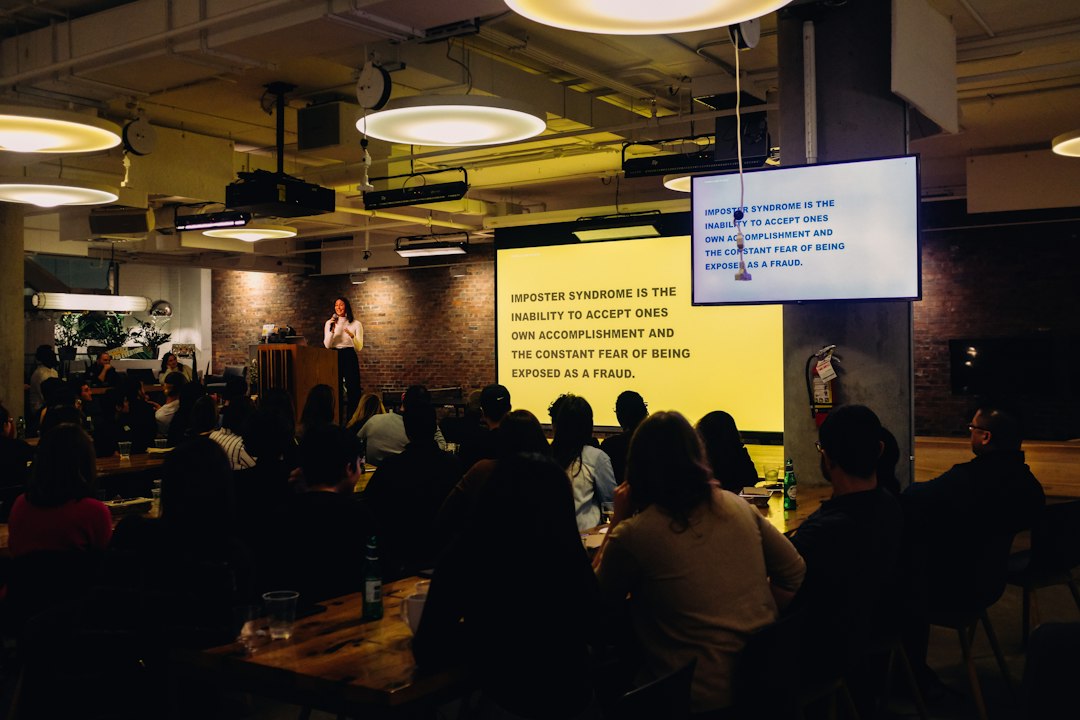
Photo by NordWood Themes on Unsplash
Your third cohort has twelve registrants and four people show up. Two email you an hour later asking for the Zoom link. One never had audio working. This isn’t a platform problem. It’s an infrastructure problem, and it’s the difference between organizers who run one virtual workshop and quietly give up, and organizers who run forty a year without thinking twice about the mechanics.
Figuring out how to run online workshops at scale means building a system before your first session, not patching holes after your fifth one falls apart. Here’s what that system looks like.
Why Online Workshop Infrastructure Beats Spontaneous Zooms
A workshop announced with "link coming soon" is a workshop that bleeds participants before it starts. Every gap between registration and session start is a moment someone forgets, loses the email, or decides it’s not worth the hassle.
Organizers who standardize their setup, same meeting link format, same confirmation sequence, same tech instructions, see 15-20% higher show rates than those who send details ad hoc. That gap matters more than it sounds. On a 20-person workshop charging $75 a seat, a 20% show-rate improvement is three to four extra paying participants who actually attend instead of ghosting. Multiply that across a dozen workshops a year and infrastructure pays for itself.
The fix isn’t complicated. It’s consistency: participants know exactly what to expect, when to expect it, and what happens if something breaks.
Choosing Your Meeting Platform: Persistent Links vs. Per-Session URLs
If you’re running a recurring format, a six-week ceramics intensive that meets every Tuesday, use one persistent meeting link participants bookmark once. They join the same room every time. No re-searching their inbox, no confusion about which link is current.
Single-session workshops, a one-off writing retreat kickoff or a standalone photography critique, work better with a fresh URL generated per event and sent at confirmation. This keeps your room clean, avoids old participants wandering into new sessions, and lets you cap capacity per event without touching a recurring link.
Before locking in a platform, check three things: breakout room capacity (some platforms cap free breakout rooms at a handful of participants), recording permissions (host-only versus co-host access), and hard participant caps. A platform that caps free accounts at 40 participants will quietly reject registrant 41 on the day of your workshop if you haven’t checked.
Building Your Tech Onboarding: The 72-Hour Window

Send the meeting link and tech requirements at the moment of registration confirmation. Not the day before. Not the morning of. Immediately.
A participant who registers on Monday for a Saturday session should have, in their confirmation email: the meeting link, audio test instructions ("join the test room at [link] anytime before Saturday to confirm your mic works"), minimum bandwidth requirements, and a backup dial-in number for audio-only access.
This 72-hour window eliminates the single biggest cause of late joins and technical no-shows: participants discovering ten minutes before start that their microphone doesn’t work, or that they need to download software they didn’t know about. Give them three days of runway and the troubleshooting happens before your session, not during it.
Managing No-Shows and Late Joiners in Virtual Cohorts
Registration and attendance are two different numbers. Track them separately. A 30-person registration list with an 85% show rate is a different workshop than one with a 60% show rate, even though both show "30 registered" on paper.
For structured, live sessions, set a firm start time and lock entry after 10 minutes. This isn’t about punishing latecomers. It protects the participants who showed up on time from a disrupted session with people trickling in mid-discussion.
For asynchronous formats, self-paced modules with a live Q&A component, record the session and publish it within 24 hours. Latecomers get full access without derailing the live group, and you get a reusable asset out of a single delivery.
Recording, Storage, and Participant Access
Decide your recording policy before your first session, not after someone asks where the replay is. Three common models: cloud storage with a shared link, automatic email delivery within 24 hours, or a member portal participants log into.
Recorded sessions do more than serve latecomers. They drive repeat bookings, since participants who liked one session share the recording with colleagues, and they generate testimonials you can pull for marketing without asking anyone to write one from scratch.
Store recordings for a minimum of 90 days. If the content is evergreen, a technique demonstration, a foundational lecture, keep it longer. Wayfield’s session logistics tools let you attach recording links directly to the session roster, so participants find their replay in the same place they found their join code.
Scaling Multi-Breakout Sessions Without Platform Chaos

Breakout rooms are where multi-track workshops fall apart in real time. A 40-person conference with four simultaneous discussion tracks needs either advance assignment (participants pre-selected into rooms based on registration choices) or unambiguous self-selection instructions displayed on screen before the split happens.
Test the full breakout workflow with a co-leader before your first multi-track workshop goes live. Run through: how participants move between rooms, how you as organizer float between them, and how you bring everyone back to the main room without losing five minutes to confusion.
Wayfield’s session roster lets you pre-assign breakouts by session choice and sync attendance across rooms, so you’re not manually reconciling four separate headcounts after the fact.
Backup Plans: Internet Fails, Hosts Are Late, Links Break
Every virtual workshop needs a failure plan, because eventually something breaks. Publish a dial-in phone number alongside your video link in every confirmation email. When video drops, audio-only keeps the session moving.
Have a co-leader co-host with an independent login, not shared credentials. If your connection drops, someone else can keep the room running and readmit you when you’re back.
Open a messaging channel, a shared chat link or text thread, 15 minutes before start time. Participants flag connection issues there instead of sitting locked out wondering what happened. That small window turns a potential no-show into a five-minute fix.
Start Running Online Workshops Like a System, Not a Scramble
The organizers who run online workshops well aren’t the ones with the fanciest platform. They’re the ones who removed the guesswork: same link format, same 72-hour tech onboarding, same backup channel every time. That consistency is what turns a one-off virtual session into a repeatable, scalable part of your workshop business.
Start your first workshop free at wayfield.app/getting-started, no credit card required.
Recommended Resources
audio
Article discusses audio setup and troubleshooting as part of tech onboarding; readers setting up home studios need reliable capture equipment
tech-accessories
Article emphasizes redundancy and failover systems; portable power is essential for facilitators managing multiple sessions
networking
Bandwidth and connection reliability are core to the infrastructure argument; mesh systems eliminate dead zones in home offices
desk-accessories
Article advocates for physical workspace standardization and reducing on-call troubleshooting; organized cables prevent technical delays
As an Amazon Associate, Wayfield earns from qualifying purchases. Clicking and buying through these links supports this content at no extra cost to you.





Leave a Reply