

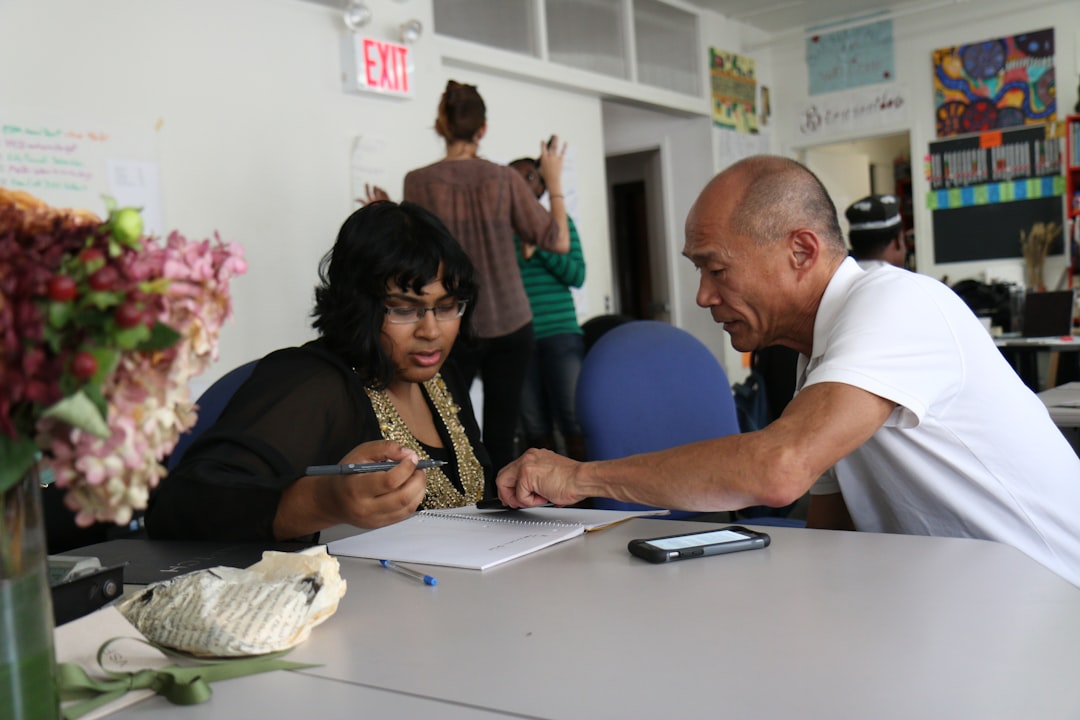
Photo by Giu Vicente on Unsplash
Six hours. That’s what a ceramics instructor in Portland told me she spends per workshop just managing signups: tracking payments in one spreadsheet, sending confirmation emails from her personal inbox, chasing no-shows the morning of. She runs four workshops a month. That’s 24 hours of administrative work for a business that nets maybe $1,800 in the same period. The math doesn’t hold.
This is the real test for any workshop registration software: does it cut that six hours down to thirty minutes, or does it just move the same work into a different interface? A lot of platforms fail this test quietly. They add dashboards, settings menus, and "features" that require a Tuesday afternoon to configure before you’ve registered a single participant.
What makes registration software worth your time
Most workshop organizers spend 4 to 6 hours per workshop managing signups, confirmations, and no-shows across email threads and spreadsheets. Good software should reduce that to 30 minutes: participant registers, gets a confirmation automatically, shows up on your roster. No manual entry, no copy-pasting between tabs.
If the software takes longer than the spreadsheet-and-email method you already know, the complexity cost outweighs the benefit. Organizers switch back to Google Sheets constantly, not because spreadsheets are good, but because the software they tried added friction instead of removing it.
The hidden cost of "all-in-one" platforms
Platforms that bundle registration, payments, email marketing, and event logistics into one product often do none of those things particularly well. You get a payment processor that’s clunky, an email builder that fights you on formatting, and a logistics module you’ll never touch because you run one venue, not twelve.
The pattern shows up again and again: three weeks configuring features you don’t need, then working around the two limitations in the features you do need. A photography retreat organizer running 15-person trips to Iceland doesn’t need a CRM with lead scoring. She needs registration, a waitlist, and a way to send session details to her co-leader. The tool that does three things well beats the tool that does twelve things adequately.
Three core features that actually matter

Strip away the marketing copy and three features carry most of the weight.
– Automated waitlist management. When a spot opens up, the software should email the next person in line without you touching a keyboard. Manually emailing your waitlist for a sold-out pottery class is the kind of task that eats a Sunday night. – Customizable confirmation emails. Participants need commitment dates, session times, and what to bring, sent automatically the moment they register. This is where a tool like Wayfield earns its keep: confirmation emails that pull session details and commitment dates straight from your workshop setup, so you’re not writing the same email by hand for every registrant. – A public roster leaders can access. If you’re running a multi-track conference with six instructors, each leader needs to see who’s registered for their session without emailing you to ask.
Everything else, the branded landing pages, the analytics dashboards, the social media integrations, is negotiable. Nice if it’s there. Not worth paying extra for.
Payment processing and your margin
Transaction fees compound fast, and a lot of organizers don’t calculate them until after the workshop is over. A standard 2.9% + $0.30 fee on 20 registrations at $75 each costs you $47. Run that same math on a $50 workshop with tighter margins already, and the fee eats into what should’ve been profit for materials or your own time.
Know the fee structure before you commit to a platform. Some charge per-transaction, some charge a flat monthly fee regardless of volume, some take a cut on top of the standard processor fee. Build the real number into your pricing model instead of finding out at the end of the month why your bank balance is lower than expected.
The no-show problem every organizer faces
A writing workshop with 12 registered and 3 no-shows isn’t just lost revenue. It’s wasted prep time, printed materials for people who never arrive, and a smaller group than you planned your session around.
Registration software that sends automated reminder emails 48 hours before a session reduces no-shows by 30 to 40 percent. That single feature, done well, often pays for the platform on its own through saved materials and prep time. People forget things, and a reminder at the right moment closes that gap.
How to test before you commit
Skip the demo video. Run one small workshop through the platform instead, something with 8 to 12 people. Time yourself managing registrations, sending updates, and tracking who actually shows up.
If it takes longer than your email-and-spreadsheet system, stop. Don’t sign an annual contract on the promise that it’ll get easier once you learn the interface. The learning curve should be measured in minutes, not months. Wayfield’s free tier is built for exactly this kind of test run: set up a real workshop, run real registrations, and see the time cost before committing to anything paid.
Data portability and your independence
Ask one question before you commit to any platform: can you export your participant list, email addresses, and payment history as a CSV, at any time, for free?
If the answer is no, or if there’s a fee attached to getting your own data out, that platform is extracting value from your participants, not building your business. Your roster is the asset. The software is just the tool that helps you manage it. Don’t let a vendor hold your participant list hostage in exchange for a subscription renewal.
Start free on Wayfield, no credit card required.







Leave a Reply