

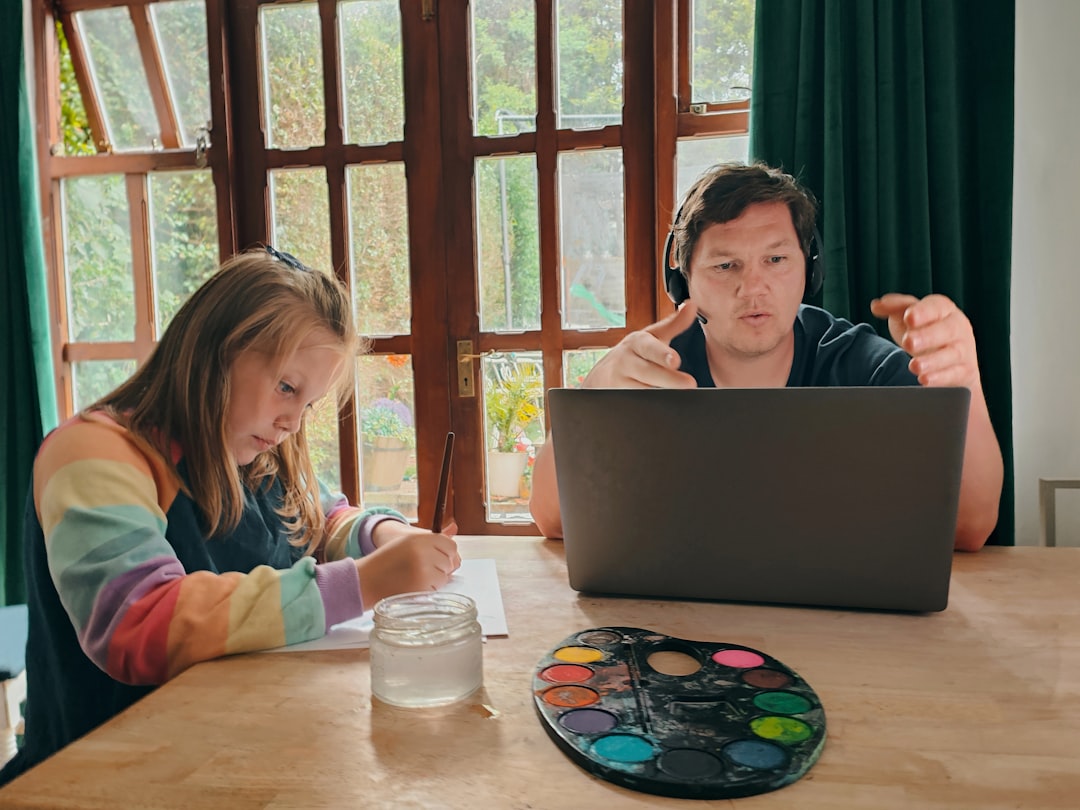
Photo by bruce mars on Unsplash
A ceramics instructor in Portland ran her first AI-integrated workshop last spring. Twelve participants, $340 per seat, three days on glaze design using Midjourney for concept boards. The output looked professional. It also looked identical. Nine of twelve students produced glaze patterns that could’ve come from the same prompt with minor tweaks. She’d taught them the tool. She hadn’t taught them to think.
This is the trap waiting for every organizer who adds AI to an existing curriculum: treating it as an acceleration tool instead of a creative constraint. Your participants didn’t pay $340 to generate images faster. They paid to develop judgment, taste, a point of view that survives contact with a blank page. An AI creative workflow that skips this distinction produces technically competent, aesthetically forgettable work, every time.
Why AI instruction fails when authenticity isn’t the starting point
Most organizers frame AI as a shortcut. Faster ideation, faster drafts, faster iteration. That framing is backwards, and it’s why so many AI-integrated workshops produce derivative results.
Flip the frame: AI works best as a constraint, not a convenience. A constraint forces a decision. "Generate ten variations, then defend why you picked one" builds judgment. "Generate one perfect image" builds dependency. Your curriculum needs to force the defending part, or the tool does the thinking and your students just approve it.
The three-phase structure that keeps students’ voice intact
Structure the workshop in three phases, and don’t let anyone skip phase one.
Phase one: mastery without AI. A writing workshop teaches sentence rhythm by hand, no drafting assistance, before touching any tool. This phase builds the internal compass students need later. Skip it, and phase three becomes prompt-following instead of craft.
Phase two: AI as pressure-test. Students make a creative decision first (a composition choice, a plot turn, a color palette), then use AI to generate alternatives and ask: does my original choice still hold up? This is the phase that builds discernment, not output.
Phase three: AI-augmented iteration. Now speed matters. Students use AI to handle repetitive variations, background generation, minor sentence-level polish, freeing their attention for the choices that actually require taste.
Organizers who compress or skip phase one see it in the work: participants who never built independent judgment default to whatever the model suggests first.
Where most organizers lose participants to tool obsession
Teach the interface first, and you’ll spend three hours on prompt syntax while your students’ actual creative problem sits untouched. They leave knowing forty prompt modifiers and nothing about why their concept lacked tension.
Reverse the order. Start with the problem: "Your character’s motivation isn’t clear by page three." Then show how AI scaffolds a solution, generating five possible motivations to react against. Then let students mess it up, revise, rebuild without the tool. Problem, scaffold, rebuild. Not tool, tool, tool.
A photography workshop instructor put it plainly after switching her sequence: "When I taught the software first, everyone asked about settings. When I taught the shot first, everyone asked about light." Same principle applies to any AI creative workflow you’re building into a curriculum.
Designing sessions so AI becomes invisible
The best workshops hide the tool entirely. Nobody attends a photography retreat to hear a lecture on sensor architecture; they learn by shooting, by looking at their own contact sheets, by having a mentor point at frame six and ask what happened there.
Same logic applies here. AI earns its place in a session only when a real creative problem demands it, and the tool disappears into the workflow rather than becoming the subject of the workshop. If your session description advertises "Learn Midjourney," you’ve already lost the framing. If it advertises "Build a cohesive visual concept for your zine," AI becomes one tool among several, exactly where it belongs.
Building in friction points where human judgment matters most

Map your workshop and find the three decision moments where AI genuinely cannot help: concept selection, curation, and voice. These are the friction points. Spend disproportionate session time here, not on tool mechanics.
A culinary workshop might use AI to generate ten variations on a flavor pairing in ninety seconds, tedious scaffolding work that used to eat twenty minutes of session time. That frees up the remaining time for the friction point that matters: which pairing actually fits the dish’s story, and why. Students arrive at that decision with energy left, instead of decision fatigue from manual scaffolding.
How to price and position AI-integrated workshops
Organizers routinely underprice these sessions because they assume AI shortens the workshop or cuts their prep time. It doesn’t. It changes the ceiling on what participants can produce, not the floor on what you need to teach.
Price for outcomes: sharper creative judgment, faster iteration cycles, portfolio-ready work by session’s end. A weekend workshop that used to cap at rough drafts can now deliver publishable pieces, because AI handles the scaffolding and frees session time for the judgment calls. That’s worth $450 per seat, not $280, if you can show the outcome shift concretely in your marketing copy and your session description.
Tracking participant output so authenticity stays measurable
Collect before and after work samples. A quick portfolio submission at registration, another at the close of the workshop. The comparison tells you immediately whether a student developed independent voice or just got efficient at following prompts, and it tells your next cohort the same thing before they even register.
Wayfield’s session roster and follow-up messaging make this collection simple: a short prompt sent through the platform after the final session, work samples logged against each participant record, no separate spreadsheet to maintain. That data becomes your pricing justification for the next run, and your proof point when a prospective participant asks whether this workshop actually builds skill or just teaches software.
Start free on Wayfield, no credit card required.
Partner Spotlight · K&K Insurance
Running a digital workshop means managing real liability exposure—from participant data handling to intellectual property boundaries during live sessions. K&K Insurance specializes in event coverage for workshop organizers, so you can focus on teaching rather than worrying whether your policy actually covers online instruction. Explore what K&K offers organizers at kandkinsurance.com/?ref=wayfield. Learn more →
Recommended Resources







Leave a Reply