
Photo by Steve A Johnson on Unsplash
A photographer in Portland ran two workshops last spring. The first, a standard 2-day lighting intensive, filled 8 of 15 seats at $275 each. The second, a hybrid workshop pairing live critique with AI-assisted concept generation, sold out at 14 seats before the early-bird window closed, at $525 each. Same instructor. Same reputation. Different structure, different price point, different kind of student showing up.
That gap isn’t luck. It’s design. An AI workshop for creative professionals that combines live instruction with structured AI tool use commands a different price tier than a single-track event, and it attracts a student who’s serious about the outcome rather than curious about the buzzword.
Why hybrid workshops command higher pricing than single-track events
A 3-day in-person intensive that includes pre-workshop AI setup and post-workshop asset generation can sustain $400 to $650 per seat. A comparable workshop without the hybrid structure, live instruction alone, tops out around $200 to $300. The difference isn’t the AI tools themselves. It’s the time architecture. Participants get contact hours with you, a working period where they apply what they learned, then a return session where you help them interpret the results. Three distinct value phases instead of one, and pricing should reflect it.
Positioning: the creative professional who wants AI literacy, not AI replacement
Most AI marketing splits into two useless camps: breathless hype or reflexive dismissal. Skip both. Your positioning statement should sound like this: "Learn where AI accelerates your work and where human judgment remains non-negotiable." That single sentence filters your registration list. It repels people looking for a shortcut around skill-building. It attracts working photographers, designers, and writers who are protecting their craft by understanding exactly what a tool can and can’t do for them. Those are the students who show up prepared, finish the assignments, and refer their colleagues.
Session structure that justifies the hybrid model

Structure the workshop across three phases, not three days of undifferentiated instruction.
Days 1 and 2: live skills instruction and group critique, the part participants already expect from a workshop.
Between sessions: participants complete AI-assisted assignments using tools you’ve already vetted and named. A concept designer might generate 30 variations overnight using a specified tool, then arrive at day 3 with results in hand.
Day 3: a live integration session where you examine the AI output as a group. What worked. What the tool missed entirely. Where a participant’s trained eye caught something the model couldn’t.
That asynchronous middle block separates this from a standard workshop. It builds in accountability, since participants know they’ll present their AI-assisted work to the group, and it produces deeper comprehension than two straight days of lecture ever will.
Vetting and naming tools before you market
Drop the word "AI" from your curriculum descriptions and replace it with specifics. Midjourney for concept generation. Runway for motion work. Claude for copyediting and structural feedback. Pick 2 to 3 tools that map directly to your discipline, document exactly how each one fits into the workflow you’re teaching, and commit to those names in your marketing copy.
This signals to prospective participants that you’ve tested these tools against real creative problems, not skimmed a trend piece. It also creates cohesion in the room: everyone arrives having used the same tool for the same assignment, which makes day 3’s group critique sharper and more comparable.
Capacity and waitlist strategy for hybrid workshops
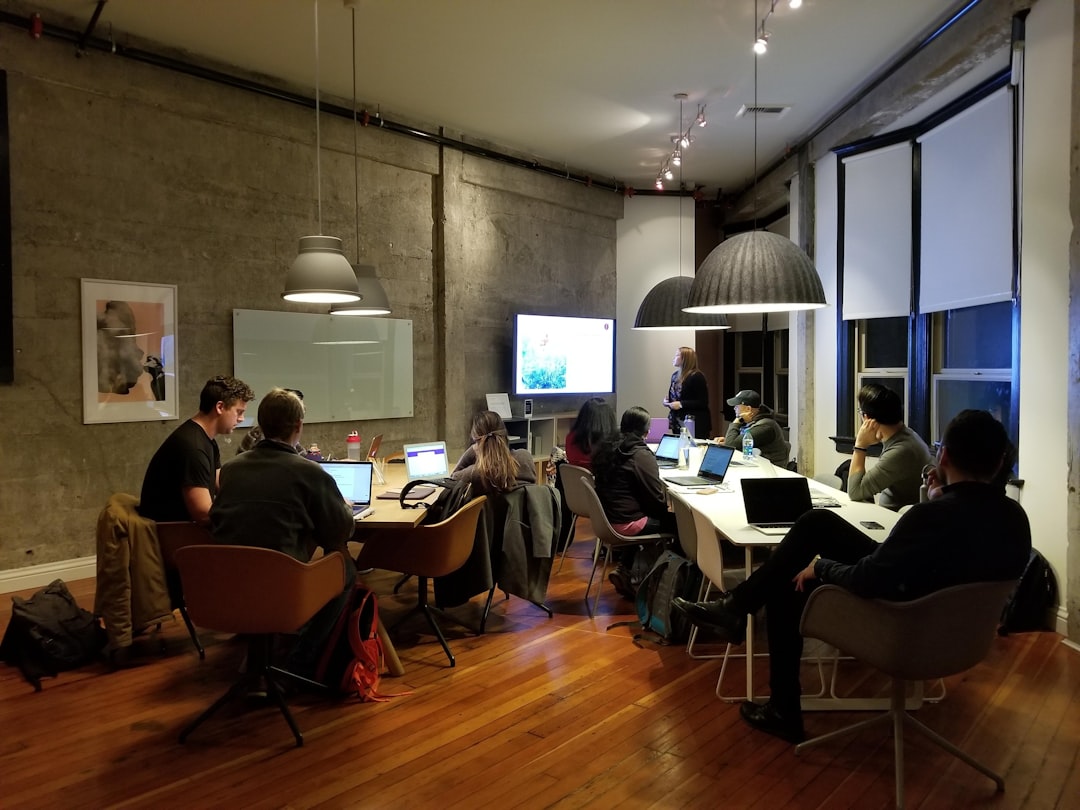
Cap in-person attendance at 12 to 15 participants. Past that number, the feedback loops that make the hybrid model work start to thin out, and the AI-assisted work review on day 3 turns into a rushed slideshow instead of a real conversation.
Run registration through a join code and a defined window rather than an open rolling signup. That gives you clean waitlist data: how many people tried to register after you hit capacity, how fast the window filled, which marketing channel drove the strongest interest. If your first cohort oversells within 48 hours of opening, that’s your justification for a second cohort at a higher price point. Wayfield’s registration flow tracks commitment dates, waitlist volume, and session fill rate, so you’re not guessing at demand for your next run.
Copy that attracts serious students, not curiosity seekers
Cut phrases like "discover AI’s potential" from your marketing entirely. They read as filler because they are filler. Replace them with the actual mechanics of what happens in the room: "Generate 50 concept variations in 90 minutes, then identify which 3 warrant your human refinement." That sentence tells a working professional exactly what they’ll leave with.
Show participant work next to the AI output it came from. A before/after pairing of a raw AI-generated concept and the refined, human-edited final version does more to convert a serious student than any testimonial. People registering for an AI workshop for creative professionals want to see the gap between machine output and expert judgment closed in front of them, not promised to them.
Pre-workshop commitment and deposit structure
Require a 50% deposit by your stated commitment date, and assign a pre-workshop AI task participants must complete before day one. Something small and concrete: three concept prompts run through your named tool, submitted 48 hours ahead.
This protects your margin against no-shows, but it does more than that. It gets participants working before they’ve paid you a cent of live instruction time, which means they arrive on day one already invested and already asking sharper questions. Skin in the game before the first session starts changes the entire tenor of the room.
Running this structure by hand, tracking deposits, sending pre-workshop assignments, managing the waitlist, gets messy past your second cohort. Start your first workshop free at wayfield.app/getting-started, no credit card required.
Recommended Resources
Software/SaaS
Article recommends vetting and naming specific AI tools before assigning to participants. Readers will need to choose and potentially test platforms.
Software
Referenced implicitly as the tools participants use alongside AI output for integration and refinement during day 3.
Workshop Management Software
Needed to distribute assignments, collect AI-assisted work, and organize the between-session accountability phase.
As an Amazon Associate, Wayfield earns from qualifying purchases. Clicking and buying through these links supports this content at no extra cost to you.





Leave a Reply