
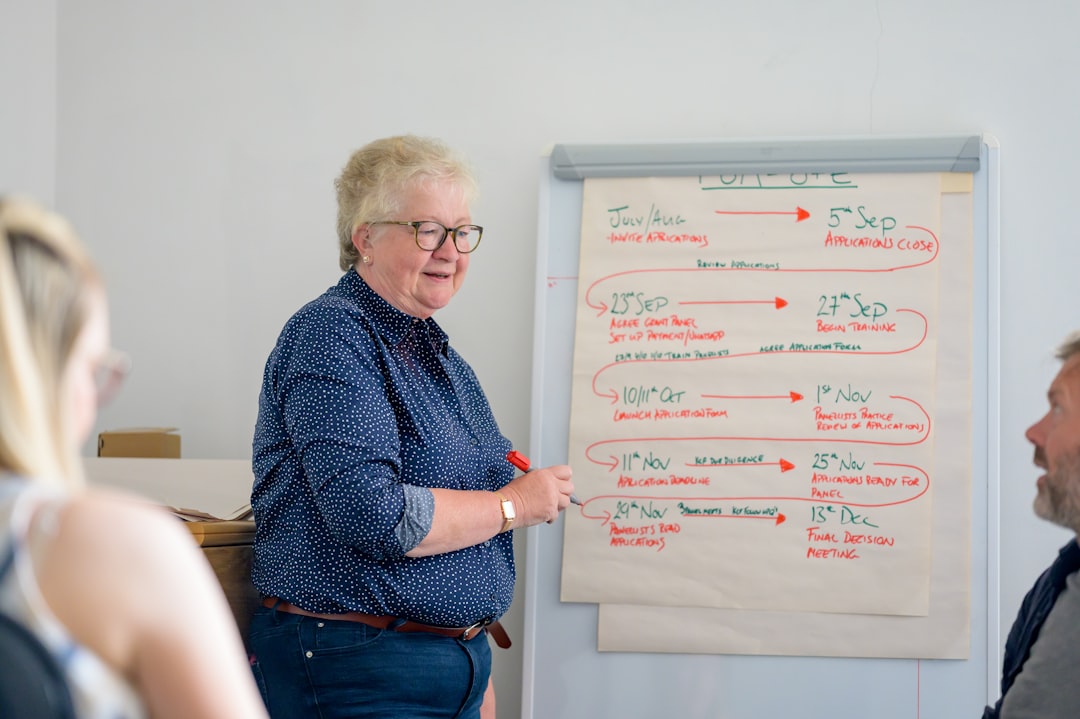
Photo by Centre for Ageing Better on Unsplash
A participant scrolling through workshop options gives your listing about four seconds before deciding to click or move on. That’s how people scan any list of options online, whether they’re picking a restaurant or a weekend course. Workshop listing optimization isn’t about tricks. It’s about removing the friction that makes someone scroll past a workshop they’d actually love.
Whether you’re running your first paid workshop or your fifth, the math is the same: a stronger listing means fewer wasted clicks and more filled seats. Here’s what actually moves the needle.
Your listing is competing for attention in a crowded field
Someone searching "weekend pottery class" isn’t looking at your listing alone. They’ve got eight tabs open. A vague title, a missing date, an unclear price: any one of these gets you filtered out before they read a word of your description.
Think about the last thing you booked online. You probably skipped listings with generic titles like "Creative Workshop" and clicked the one that told you exactly what you’d get, when, and for how much. Specificity is the filter that determines whether someone reads your description at all.
Write titles that say what people are actually paying for
"Photography Workshop" tells a browser nothing. Is it for beginners? Digital or film? One day or five? Compare that to "Black and White Film Photography: 3-Day Intensive for Beginners." Same instructor, same content, but the second title answers three questions before the reader clicks: what skill, what format, who it’s for.
The pattern holds across workshop types. "Ceramics Class" becomes "Wheel-Throwing Fundamentals: 4-Session Series for First-Time Potters." "Writing Workshop" becomes "Personal Essay Bootcamp: Draft to Submission in 6 Weeks." Name the skill, the format, the audience. Skip this and you’re relying on your description to do work your title should be doing for free.
Show capacity and commitment dates upfront
Participants want two numbers before they read anything else: how many seats exist, and when they need to decide. Bury this three paragraphs down and you’ll lose people comparing five workshops in ten minutes.
List your max participant count and commitment date on the main listing view, not tucked into an FAQ. If your ceramics intensive caps at 8 people and registration closes two weeks before the start date, say so where people see it first. Scarcity that’s real, not manufactured, drives decisions. "6 of 8 spots filled, registration closes March 15" creates urgency that a vague "limited availability" never will.
Describe sessions by outcome, not activity
"We’ll explore techniques and discuss approaches" tells a potential participant nothing about what they’ll walk away with. Compare that to: "You’ll shoot 50 frames on day one and edit a portfolio-ready series of 10 images by day two."
The second version sells itself because it’s concrete. People pay for outcomes, not activities. A writing workshop promising "a complete first draft of a 2,000-word essay" will out-convert one promising "a supportive space to develop your voice," even with identical instruction. Write your session descriptions the way you’d explain the workshop to a friend who asked, "but what do you actually do there?"
Use your roster to show leader credentials
Participants book leaders, not workshops. A culinary intensive taught by "an experienced chef" converts worse than one taught by "Chef Maria Delgado, former sous chef at Frenchette, 12 years teaching farm-to-table technique." Name your instructors. Link their portfolios, published work, restaurant history, whatever proves they know what they’re teaching.
Wayfield’s session roster puts this directly on your listing: leader names, bios, and credentials sit alongside the sessions they’re running. Participants see who they’re learning from before they commit. On a multi-track conference with six session leaders, this visibility matters even more. A roster that hides leader information is asking participants to gamble.
Price strategically and explain what’s included
State your price once, clearly, somewhere people can find it without hunting. Then list exactly what’s covered. A $340 weekend intensive that includes materials, two meals, and post-workshop access to edited files reads very differently from a $340 workshop with no explanation of what that number covers.
Ambiguity here drives cancellations and refund requests. If your $95 half-day workshop doesn’t include materials, say so, so nobody shows up expecting a supply kit. Transparency at the pricing stage costs nothing and saves you the awkward conversation three days out when someone asks what they’re actually paying for.
Refresh your listing after each workshop cycle
A listing with photos from two years ago and a testimonial dated 2022 signals something specific: this program might not be running anymore. Update photos, testimonials, and availability dates after every cycle, monthly if you’re running recurring sessions.
This is where side-income organizers lose momentum. You run a great first cohort, get busy, and forget to swap in new photos or update the next commitment date. Six weeks later your listing looks abandoned even though you’re actively teaching. Wayfield’s edit function lets you update listing content directly, so staying current doesn’t mean rebuilding the page every time you run a new cohort.
Start with one listing, done well
Workshop listing optimization isn’t complicated, but it requires treating your listing like the sales page it actually is. A specific title, visible capacity and dates, outcome-driven descriptions, named leaders, clear pricing, and regular updates: that’s the whole list. Most organizers skip two or three of these and wonder why registrations are slow.
Start your first workshop free at wayfield.app/getting-started, no credit card required.







Leave a Reply